Personal projectProduct Design · iOS · 2026

BUBU:
Find your weight-loss buddy

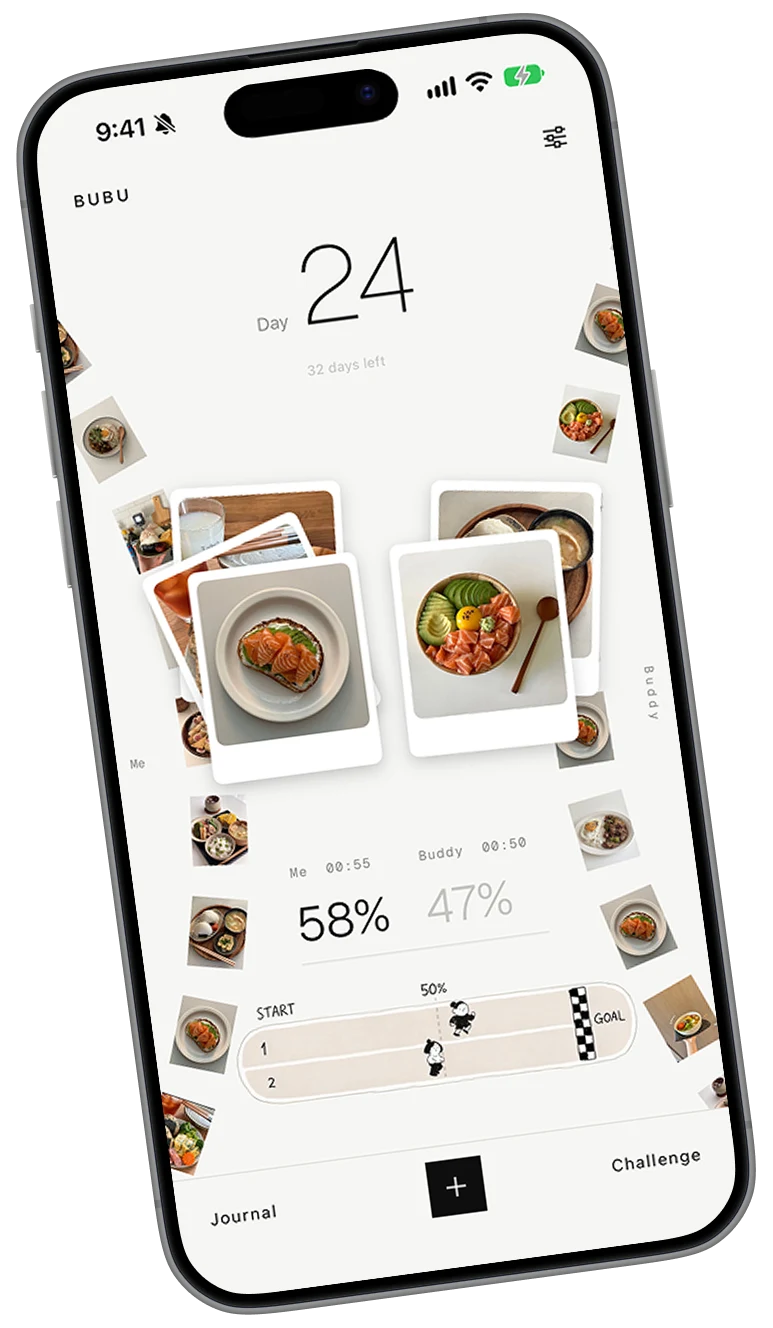
BUBU is a weight-loss app that matches you with a buddy of similar height and weight. Every entry you log is kept in your journal, where it becomes a record worth keeping

BUBU

App Store

Working build · preparing submission

Role
Product design, UI, illustration
Scope
35 icons and 30+ screens so far
Platform
iOS
Status
Built, heading into TestFlight
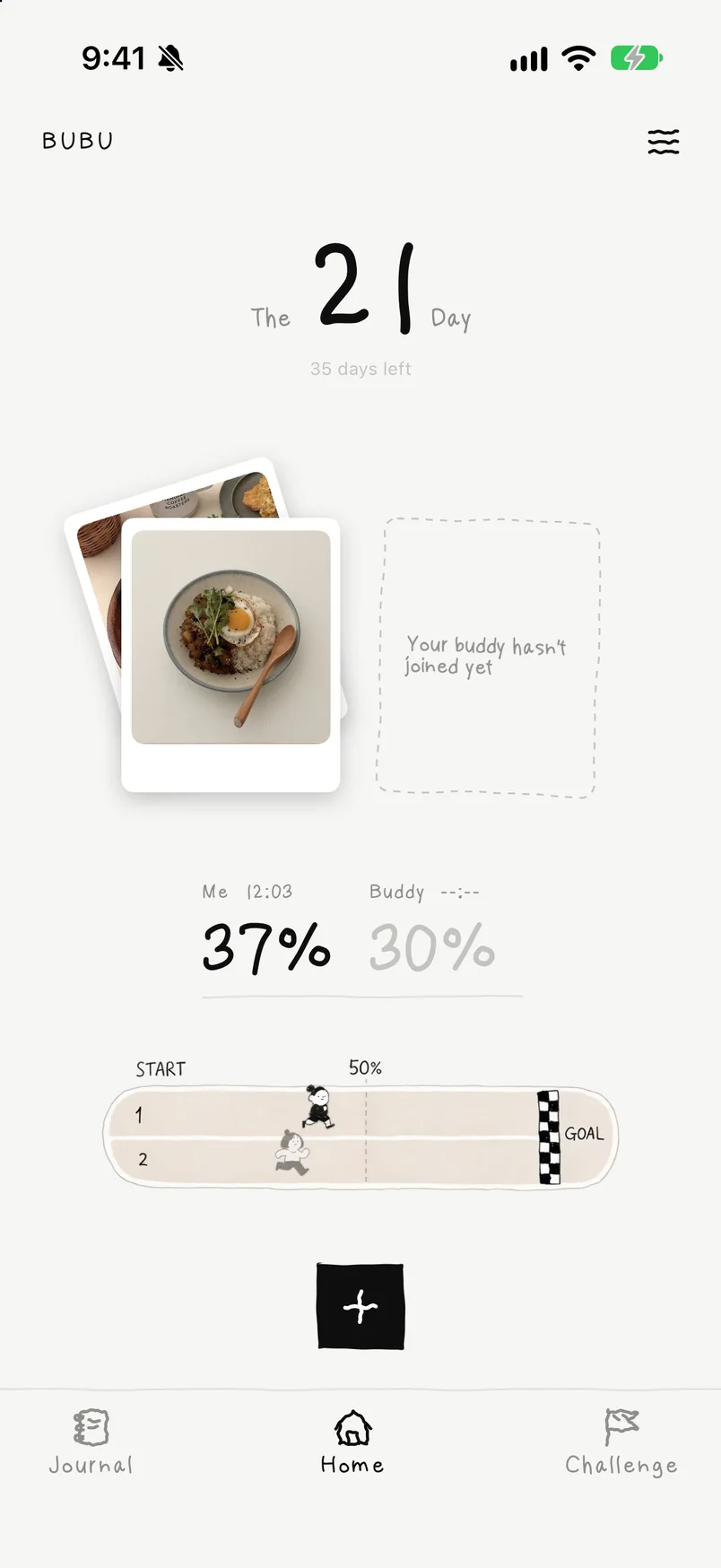
The BUBU home screen on an iPhone: day 21, the meals logged today beside an empty frame for a buddy who has not joined yet, and both runners on the track

01

User pain points and inspiration

On social media I often see people forming weight-loss groups on their own. They post their height and weight, hoping to find a similar “buddy” to report their progress to, so the two can keep each other accountable and improve together. But buddies found this way are unreliable: many disappear after three or four days.

01

Finding a buddy is hard

Comment threads run long, so many requests to team up never get a reply, while the posts with the most replies take over the top of the thread. I felt these people needed a platform that matches them with the right partner.
02

Rewards and consequences

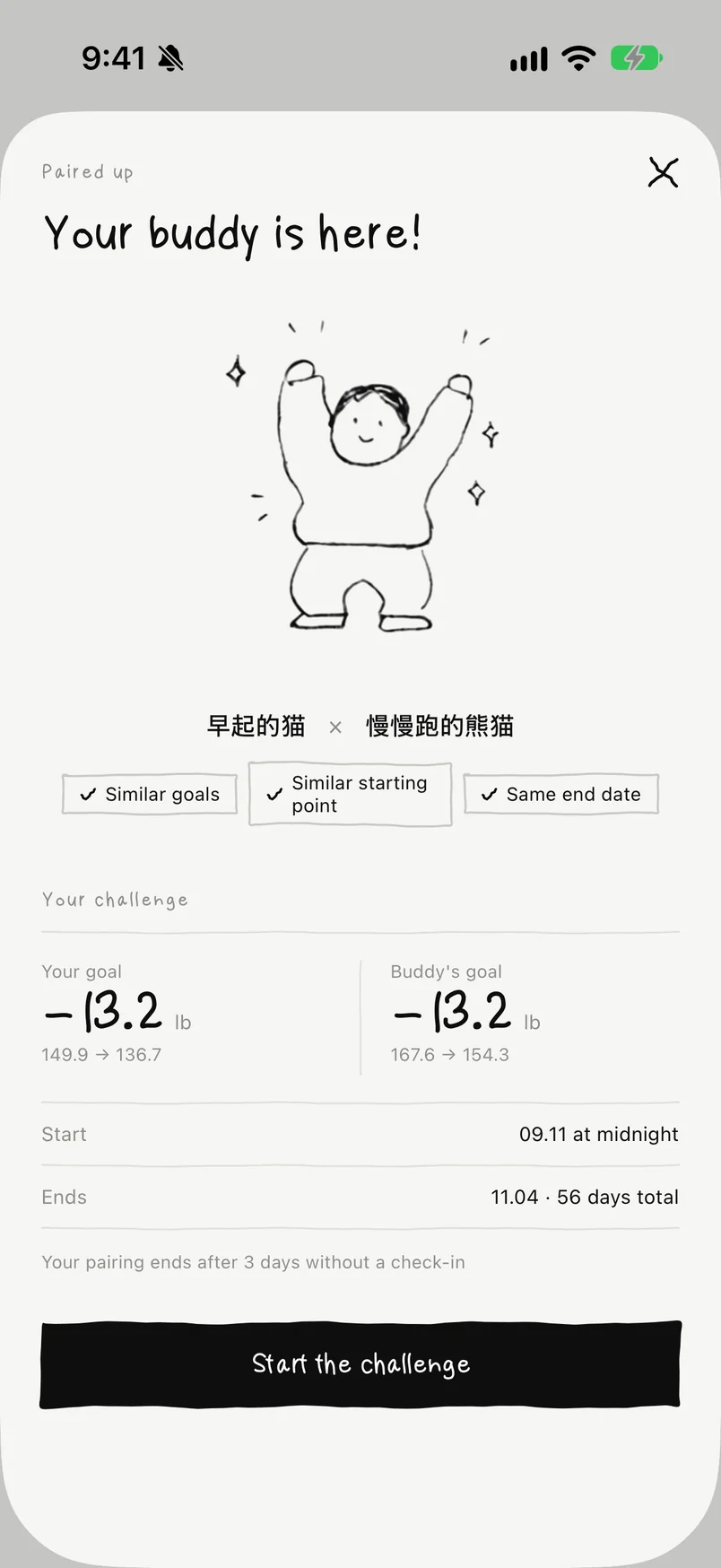
Most buddy pairs lose momentum after a few missed days, and that drags the other person down too. So the app should celebrate small milestones, and after three days in a row without a check-in, a pair automatically loses and is unmatched, so people who keep logging can find a new buddy.

03

Privacy

Most people trying to lose weight aren't happy with their bodies right now. So the app plays down the social side and doesn't ask users to pick a name. Most of what buddies do together is ask each other for tasty low-calorie recipes.

02

Core features

01

Solo and paired modes

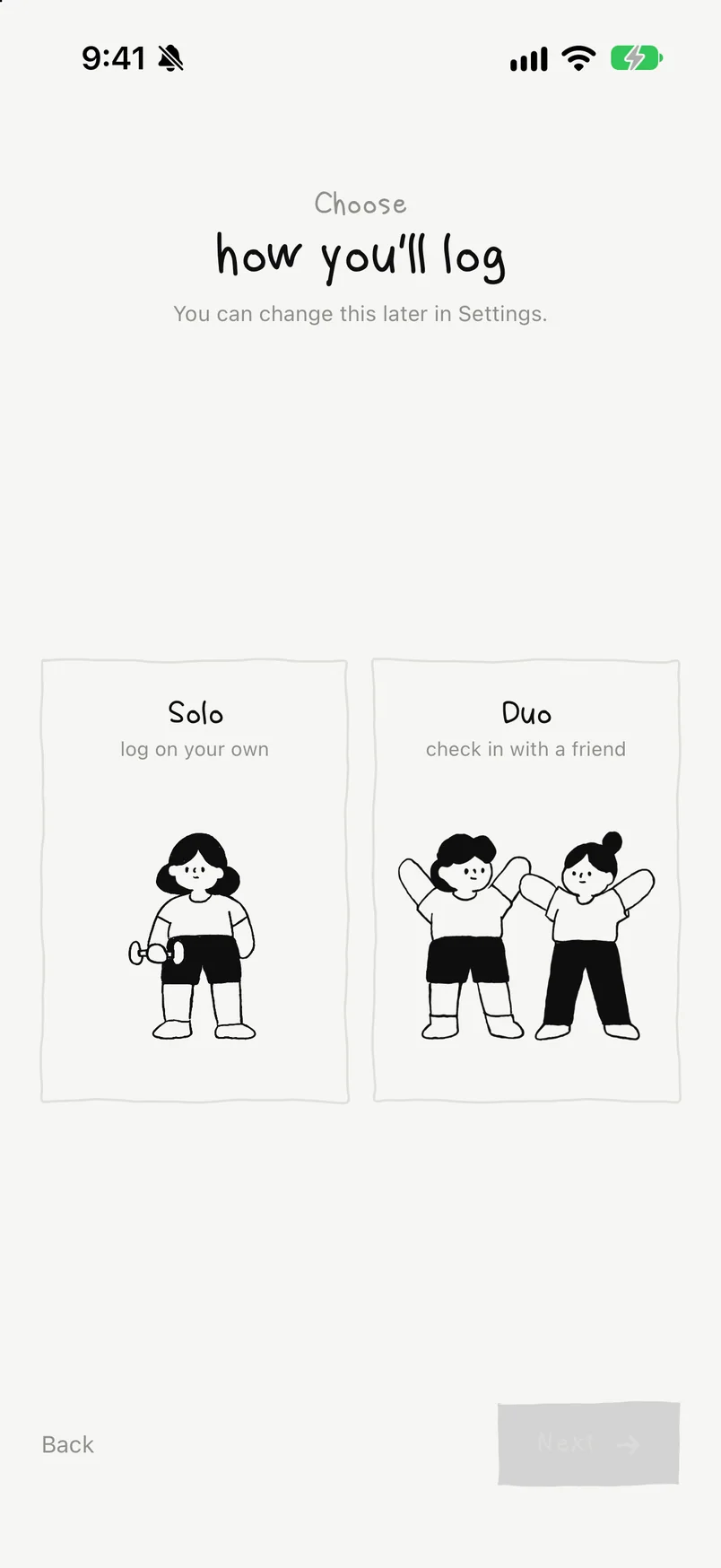
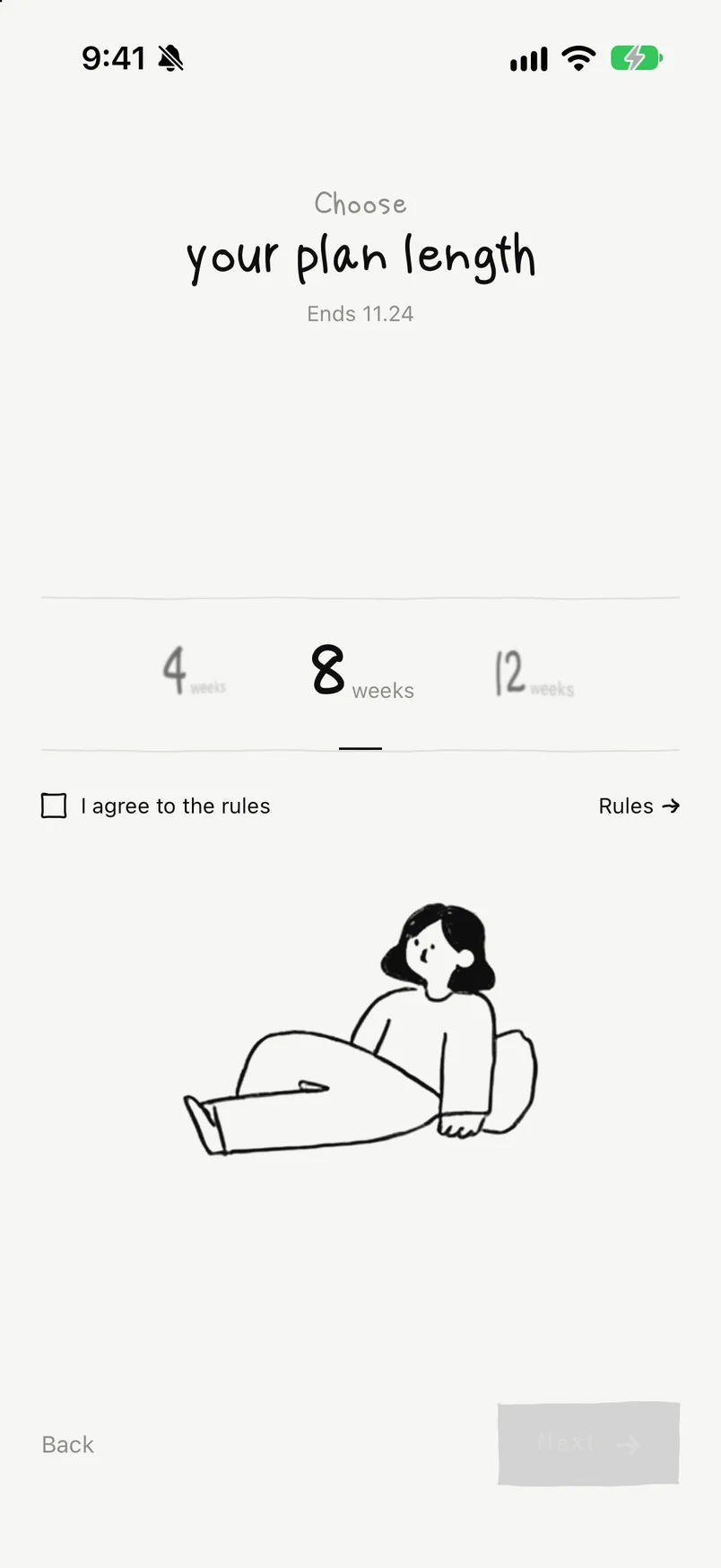
When you first open the app, it asks for your height, weight and how long you want to work toward your goal. BUBU protects your privacy as far as it can, leaving out strongly social features such as user IDs and buddy chat. Log on your own to build a weight-loss journal that is all yours, or join paired matching for some friendly competition and progress together.

02

The journal and daily receipts

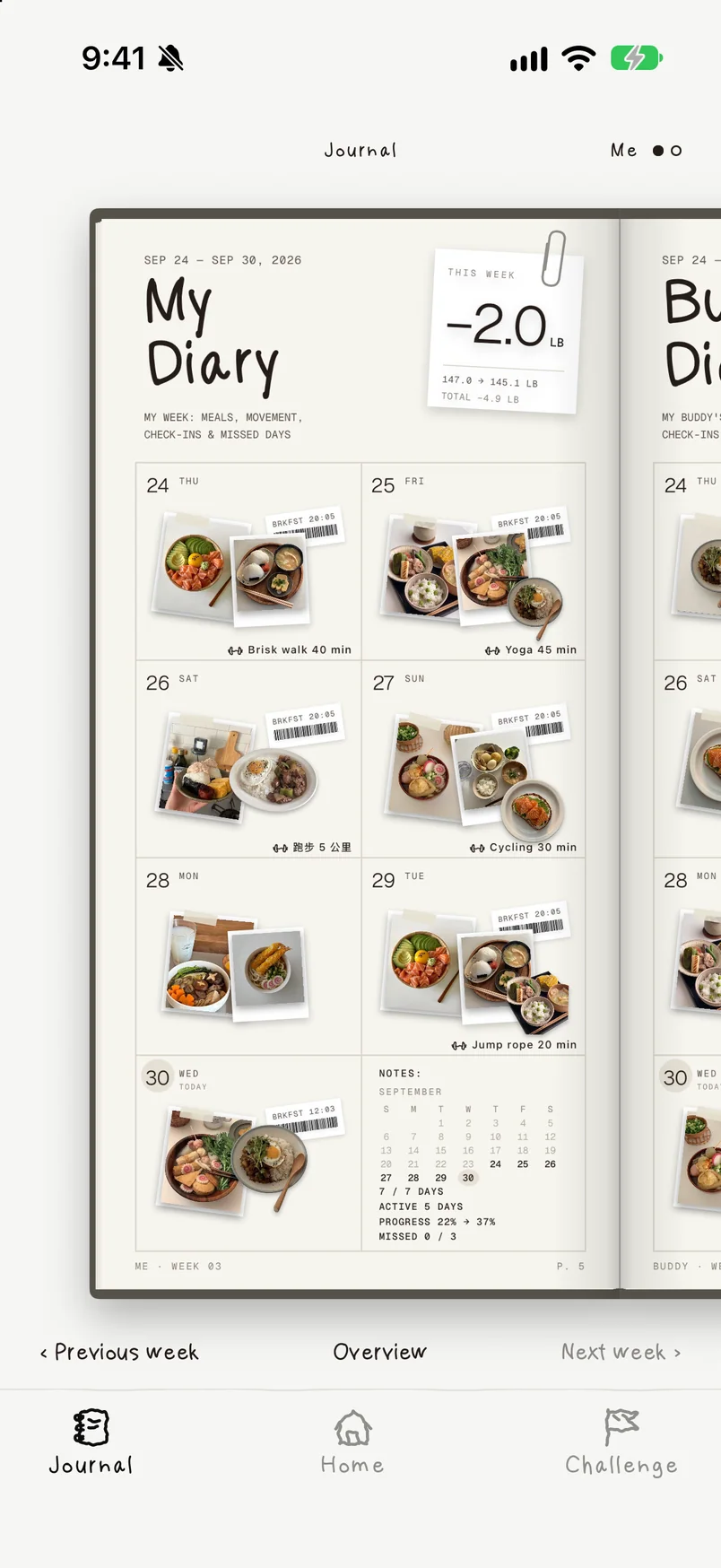
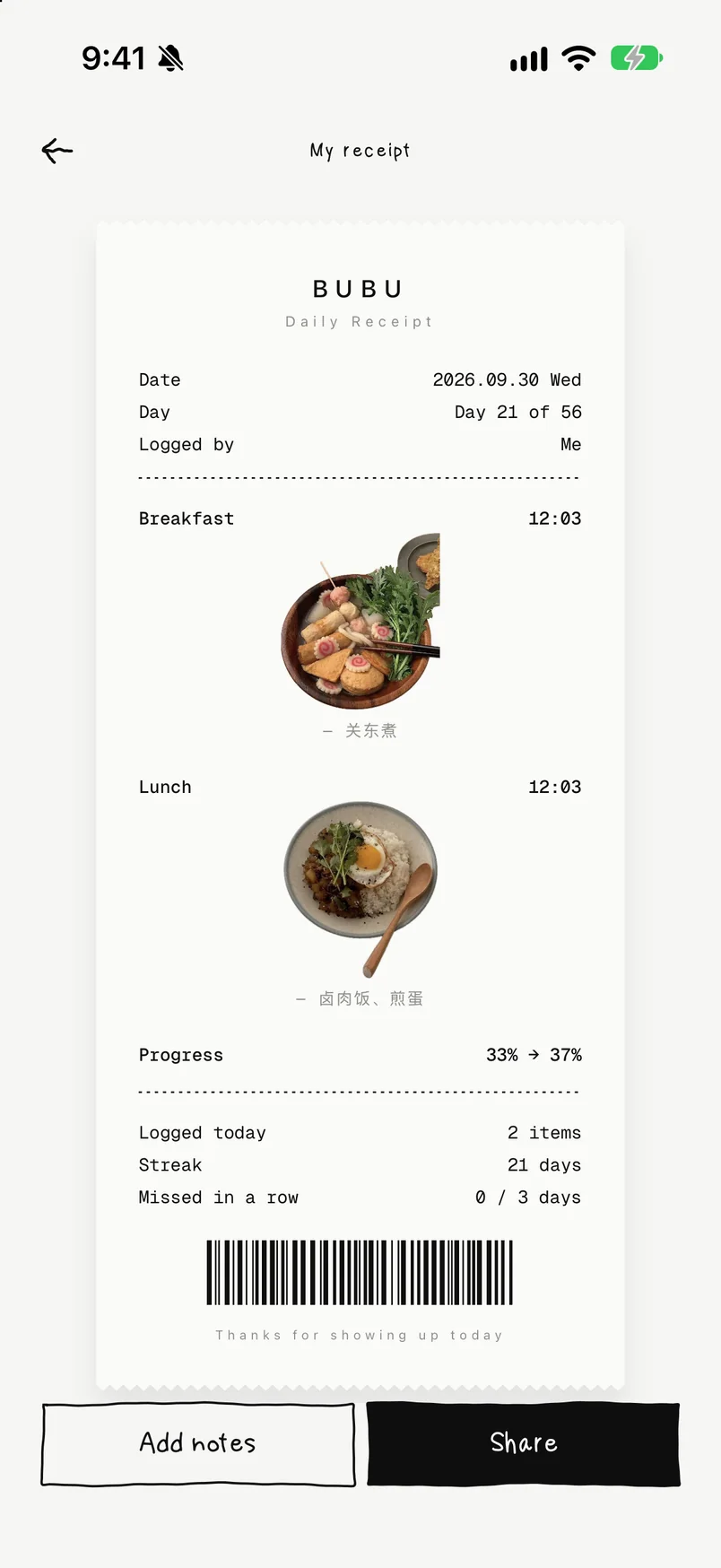
Log your daily meals alongside your buddy. Photos are cut out into stickers and added to your journal and receipts. Curious about something your buddy ate and want the recipe? Tap to send them a signal!

03

Breaking a big goal into smaller ones

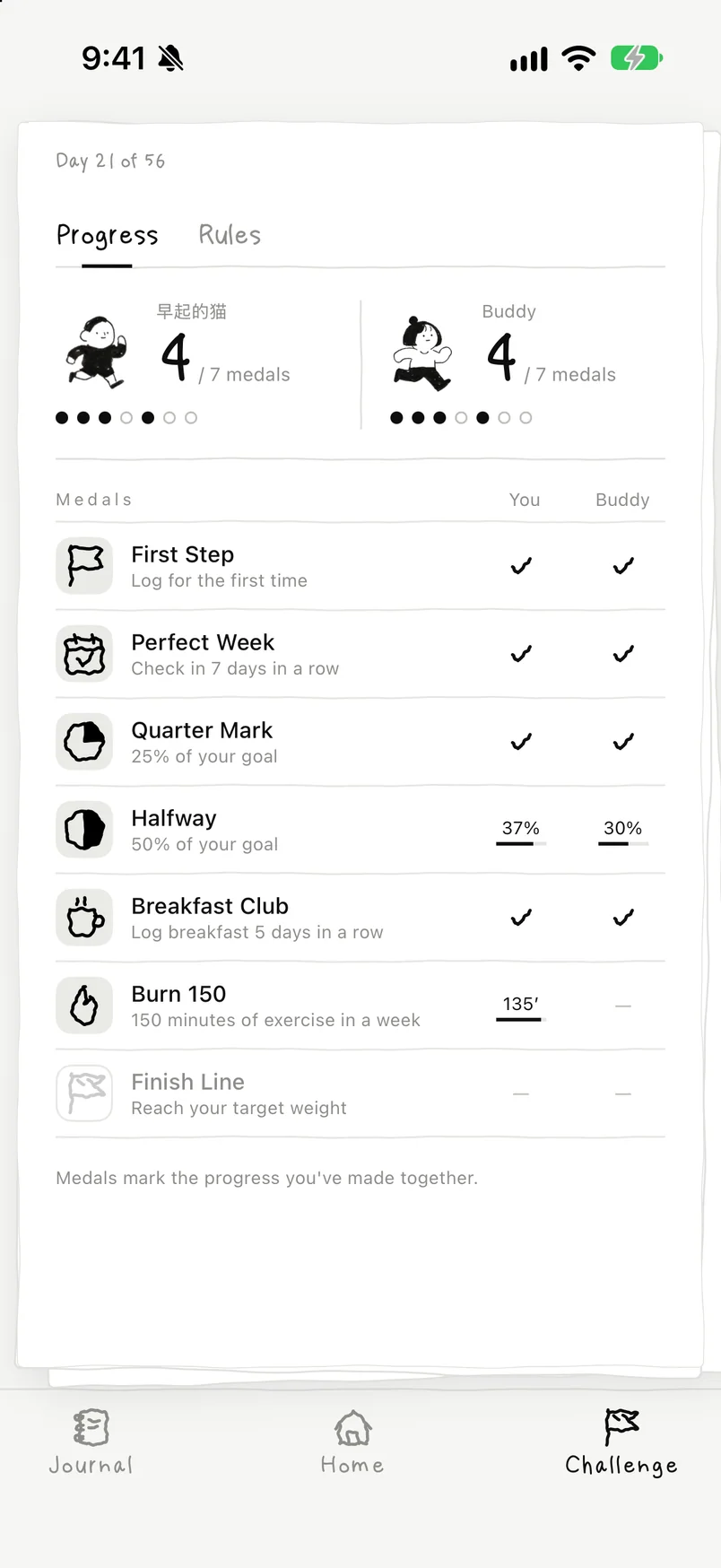
Long-term goals matter, but splitting them into smaller, easier goals and giving timely positive feedback does more to keep users coming back. As people use the app, they earn new badges based on their own progress.

03

Expert interviews

Before TestFlight, I tested the prototype with a potential user and a designer who had worked on a similar product, and interviewed them both

  1. 01

    A fitness creator with 20,000 followers

    “I love this interface. I don't have time to keep a journal myself, and this builds one from photos alone, which is perfect for people who want to check in. I think you could launch a solo version, because I'll use an app just because it looks good.”

    What changed

    After this conversation, I filled out the logic of solo mode. Home, the journal and the challenge all stay; the progress bar shows only one person, and the journal holds only your own week. It also solves the problem for users who don't have a suitable buddy yet.

  2. 02

    A product designer with three years of experience

    “A new app's matching pool is this small. Won't users wait a long time and still end up matched with someone very different? A cold start like that really hurts a new app's retention.”

    What changed

    Based on this feedback, I reworked the matching I first had in mind so it is no longer limited to two-way matches. The system finds each person the closest rival by height and weight, goal and timeframe, and one person can be the buddy for several others at once, without waiting on the other side. I also added invite codes to encourage people to bring their own buddy; a pair formed this way can motivate more people at the same time.

How matching works

  1. 01Join the poolRecords height, weight and goal
  2. 02MatchingFilters out users whose goals are too far apart, and encourages inviting friends with a code
  3. 03MatchedFinds a close user in the pool and pairs the two as buddies
  4. 04Still in the poolAfter a match, users stay in the pool, so they can still be paired with someone whose goal is close when that person has no match
A → BC → BB → DB ↔ P · invite codeAUser ACUser CBUser BDUser DPInvited buddy PB ↔ P · invite codeAUser ACUser CBUser BDUser DPInvited buddy P

A solid arrow shows the system's pick: the person at the tail sees the person at the head. A dashed line joins invite-code buddies, who see each other. Point to anyone to trace their connections.

  • Everyone has one buddy

    From each person's own view, the match is two-way

  • One person can be many people's buddy

    Helps the app get through its cold start sooner

  • Matching on current goals

    A, ten days in, can still be matched with newcomer B when their current goals are close

Still open: both people missing the same day, ties, and which photos a system-matched rival can see.

04

Icon design

A hand-drawn icon set made for this app

To suit the journal feel, I drew the app its own icon set with a hand-drawn character. Each icon was drawn with the pen tool and keeps a slight wobble, without much distortion beyond that.

  • Actionsplus
  • Actionsminus
  • Actionsclose
  • Actionscheck
  • Actionsplus-circle
  • Actionsminus-circle
  • Actionsclose-circle
  • Actionscheck-circle
  • Actionsmore
  • Actionsmore-v
  • Actionsmenu
  • Actionsrefresh
  • Arrowsarrow-left
  • Arrowsarrow-right
  • Arrowsarrow-up
  • Arrowsarrow-down
  • Arrowsundo
  • Arrowsredo
  • Controlssquare
  • Controlssquare-check
  • Controlssquare-minus
  • Controlssquare-plus
  • Controlsradio
  • Controlsradio-on
  • Controlstoggle-off
  • Controlstoggle-on
  • Controlssliders
  • Controlsfilter
  • Controlsgrid
  • Controlslist
  • The productnotebook
  • The productnotepad
  • The producttarget
  • The productflag-finish
  • The productswords

05

Animation design

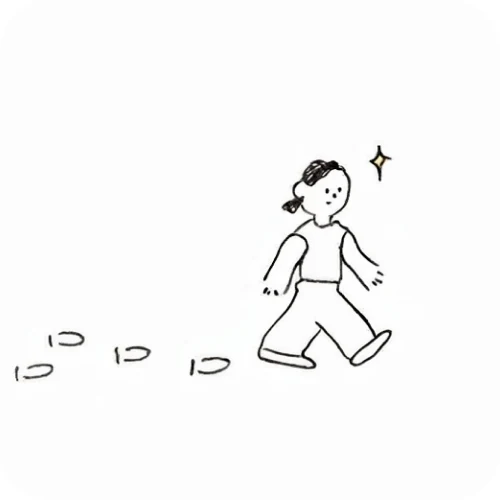
The interface is full of little animated figures, which dress up empty pages and say things more precisely. Every figure is hand-drawn, then animated with Runway.

06

User flow

The whole build

Most places are within two taps of Home.

Sign inSet upHomeRecord what?Meal photoExerciseWeightToday's receiptJournalWeekly journalOverviewA day's receiptOlder weeksBUBU PlusChallengeProgressRulesMatchedSettingsBUBU PlusChange nameModeLanguageReport & blockSign inSet upHomeRecord what?Meal photoExerciseWeightToday's receiptJournalWeekly journalOverviewA day's receiptOlder weeksBUBU PlusChallengeProgressRulesMatchedSettingsBUBU PlusChange nameModeLanguageReport & block

Solid lines are taps. Dashed lines open a sheet over the current screen. Tinted screens belong only to paired mode. Point to any screen to trace the route from Home.

07

High-fidelity

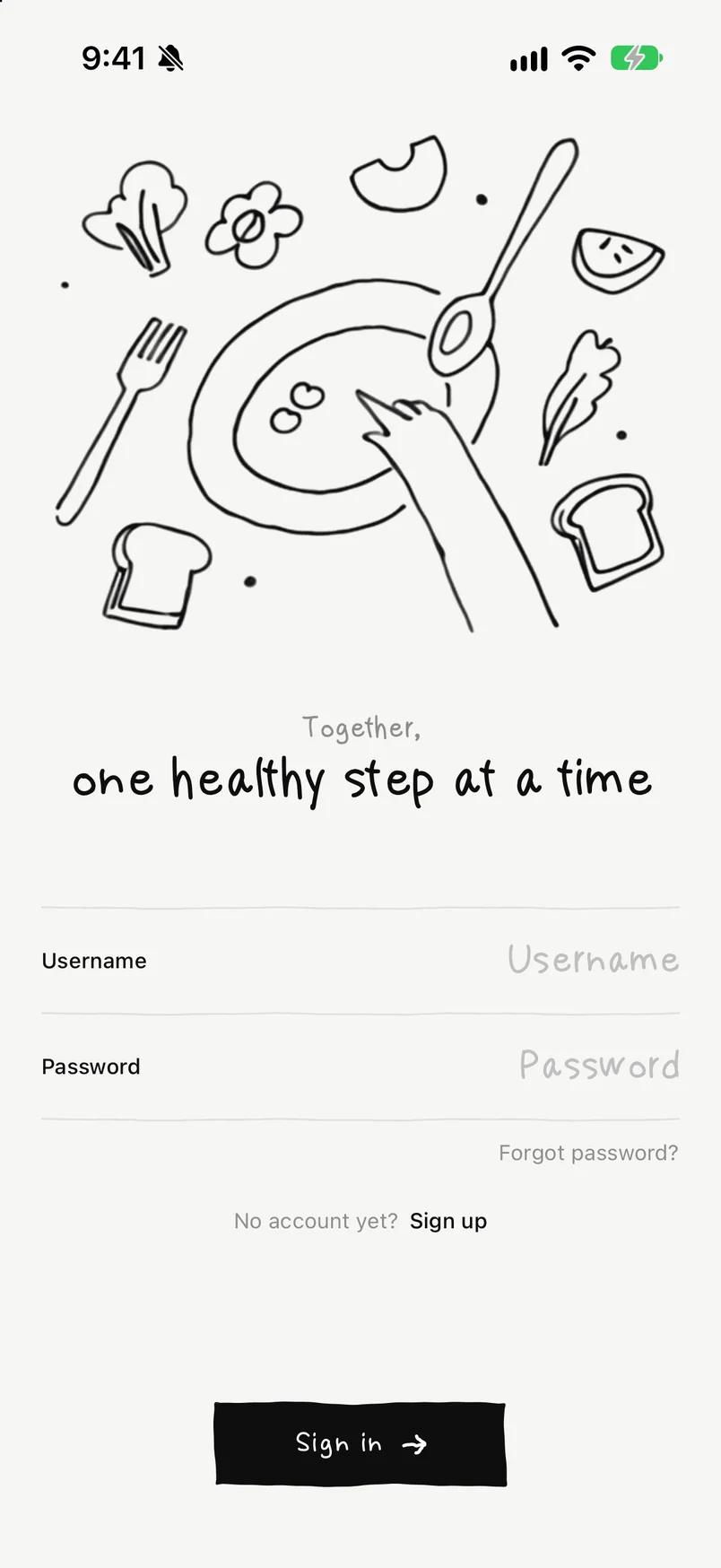
Sign in
Plan length
Solo or paired
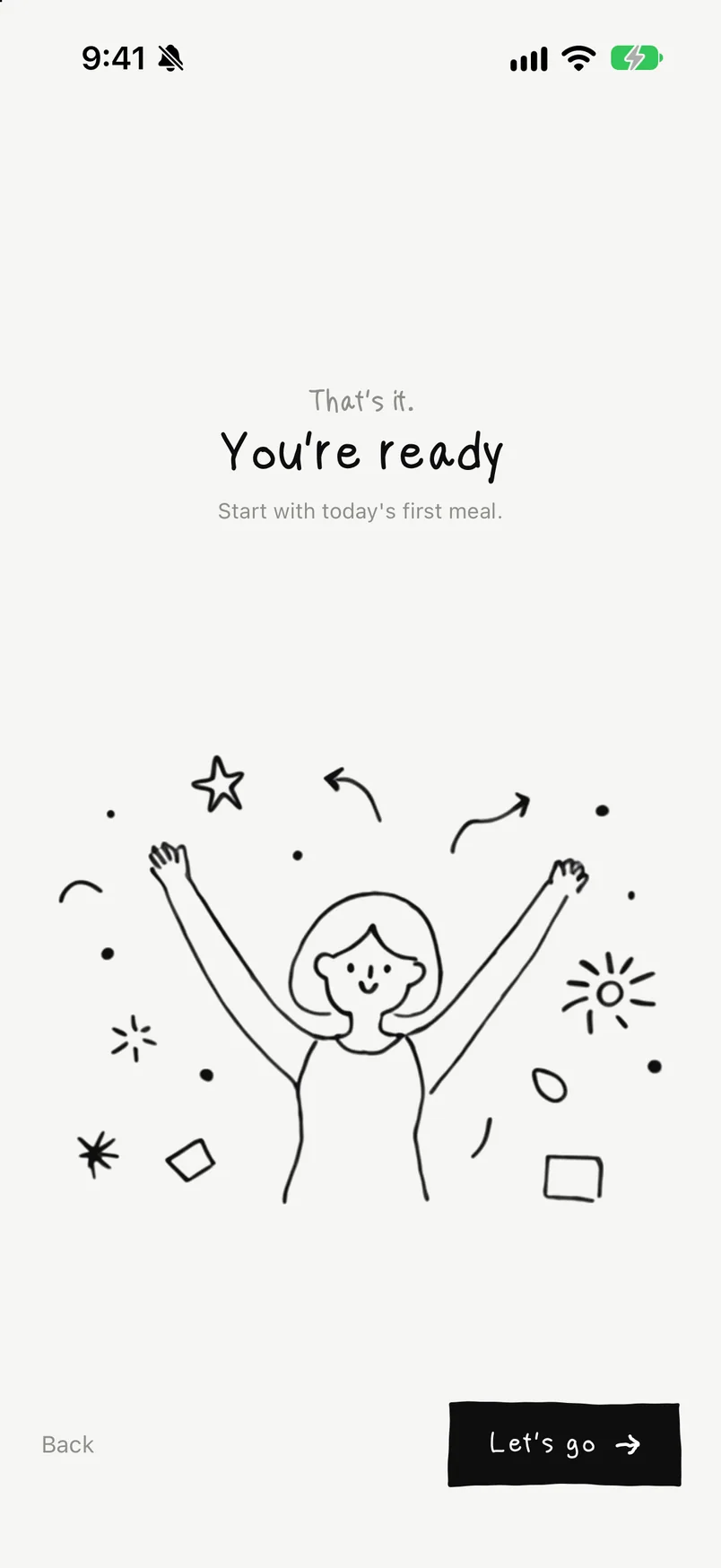
Ready
Home
Weekly journal
Today's receipt
Matched
Challenge progress

08

Shipping

Development has wrapped up for now; next come TestFlight, the App Store page and review

Done

  • High-fidelity design and development complete
  • Icon design
  • Solo and paired modes
  • The app's core logic

Still to do

  • A TestFlight round with real users
  • Turn the exercises into a full sticker set
  • App Store screenshots and copy
  • Submit for review, then handle any changes it asks for

This TestFlight round mainly tests two things: 1. whether any logic errors remain in everyday use, which means following up with users promptly; 2. how long matching should take, and how wide the weight and goal range for a match can be, which needs more research data to settle.